English
 Nederlands
 Français
 English (UK)
 Deutsch


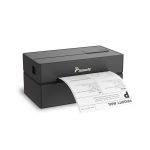
The Y813 heats direct thermal labels to create text and images, so some warmth around the print-head area during printing is normal. Long print runs or large dark areas can cause more heat to build up. The power adapter may also become slightly warm while supplying power.
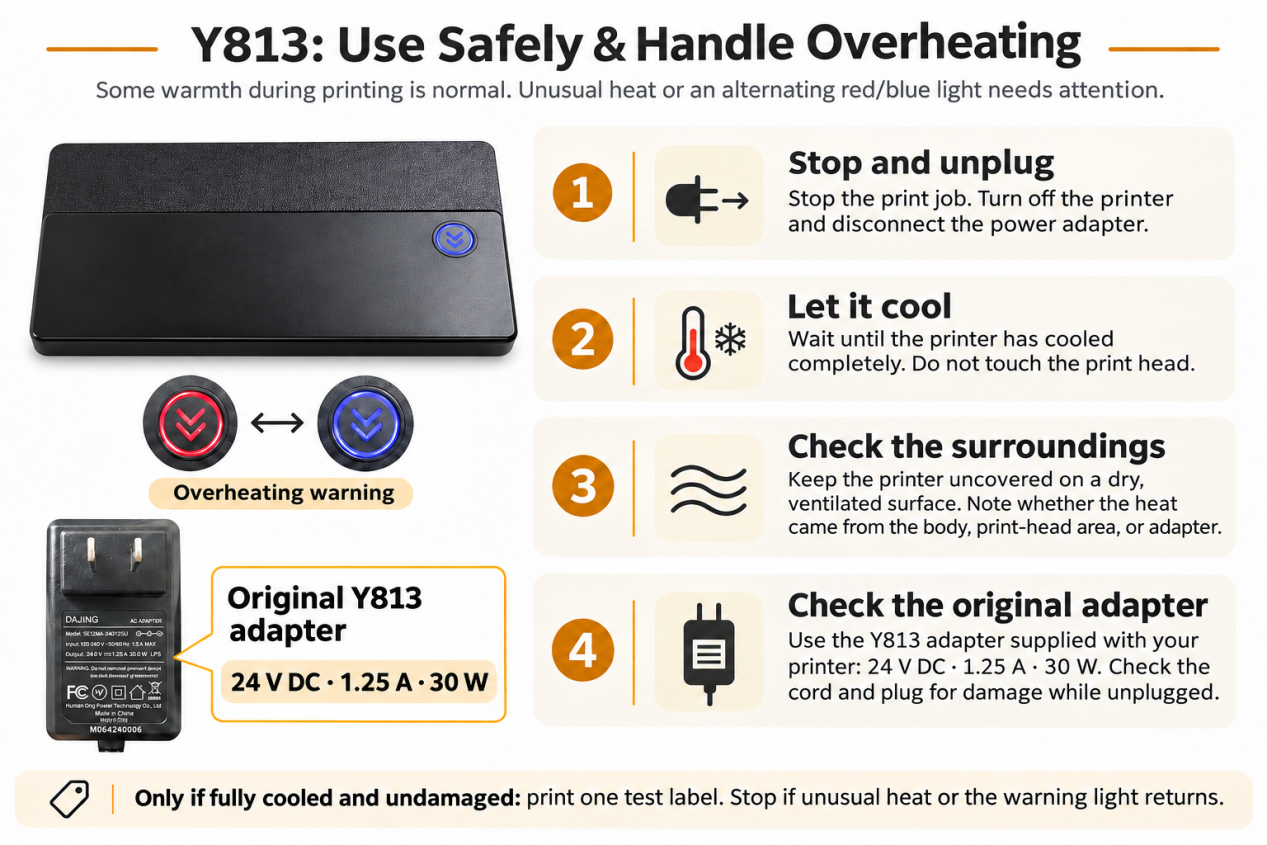
If the indicator alternates red and blue, or the printer or adapter becomes unusually hot, follow the guidance below.
Stop Printing and Let the Printer Cool
Stop the print job, turn off the Y813, and disconnect the power adapter. Let the printer cool completely before opening the cover or checking it.
Do not touch the print head immediately after printing. It may be hot.
If you notice a burning smell, smoke, melting, discoloration, or deformation, do not restart the printer. Leave it unplugged and contact our support team.
Check the Printer’s Placement
Place the Y813 on a stable, dry surface with space around it for heat to dissipate. Do not cover the printer or block its ventilation while it is operating.
Keep the printer and power cord away from water and other heat sources. Do not bend the cord sharply or place heavy objects on it.
Identify Where the Heat Is Coming From
Once everything has cooled, note whether the unusual heat seemed to come mainly from the printer body, print-head area, or power adapter. Do not touch the exposed print head to check its temperature, and do not disassemble the printer.
Check the Power Adapter
Use the original adapter supplied with your Y813, rated 24V / 1.25A / 30W. If you replaced the adapter or are unsure whether it belongs to this printer, stop using it and contact our support team. A matching voltage and wattage label alone does not confirm that a replacement adapter is suitable.
With the power disconnected, check the adapter, plug, and cord for visible damage. Do not use them if you see melting, discoloration, or exposed wiring.
Try One Test Label
If the printer and adapter have cooled completely and there is no smell or visible damage, reconnect the original adapter and print one test label.
If the red and blue warning returns or the printer becomes unusually hot again, turn it off and unplug it. Do not continue a batch print.
Everyday Safety
Keep the Y813 out of children’s reach. Do not repair or disassemble it yourself. Unplug the power adapter if you will not use the printer for an extended period.
Still Need Help?
Send our support team a short video of the indicator light, a photo of the adapter’s output label, and photos of any visible damage. Tell us where the heat seemed to come from, whether the adapter has been replaced, and what you were printing when the issue occurred.