English
 Nederlands
 Français
 English (UK)
 Deutsch

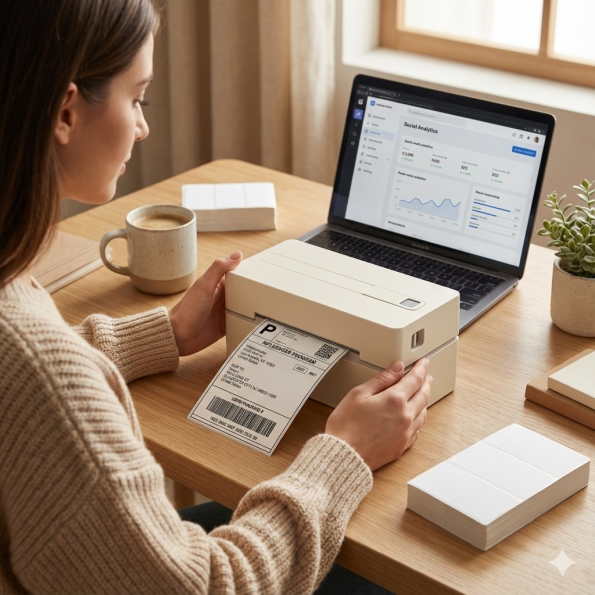
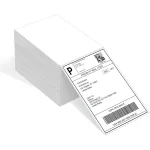
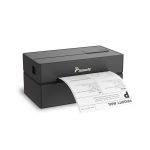
The Y813 is a direct thermal label printer. It prints on compatible heat-sensitive labels without ink or toner. The included labels are standard 4 × 6 in (100 × 150 mm) shipping labels.
What can I use the Y813 for?
You can use the Y813 to print shipping labels for online orders, as well as address, barcode, product, and inventory labels. It can also print simple black-and-white designs on compatible direct thermal labels. For smaller rectangular or round labels, confirm the label size and compatibility before printing, then match the design and paper settings to the labels you loaded.
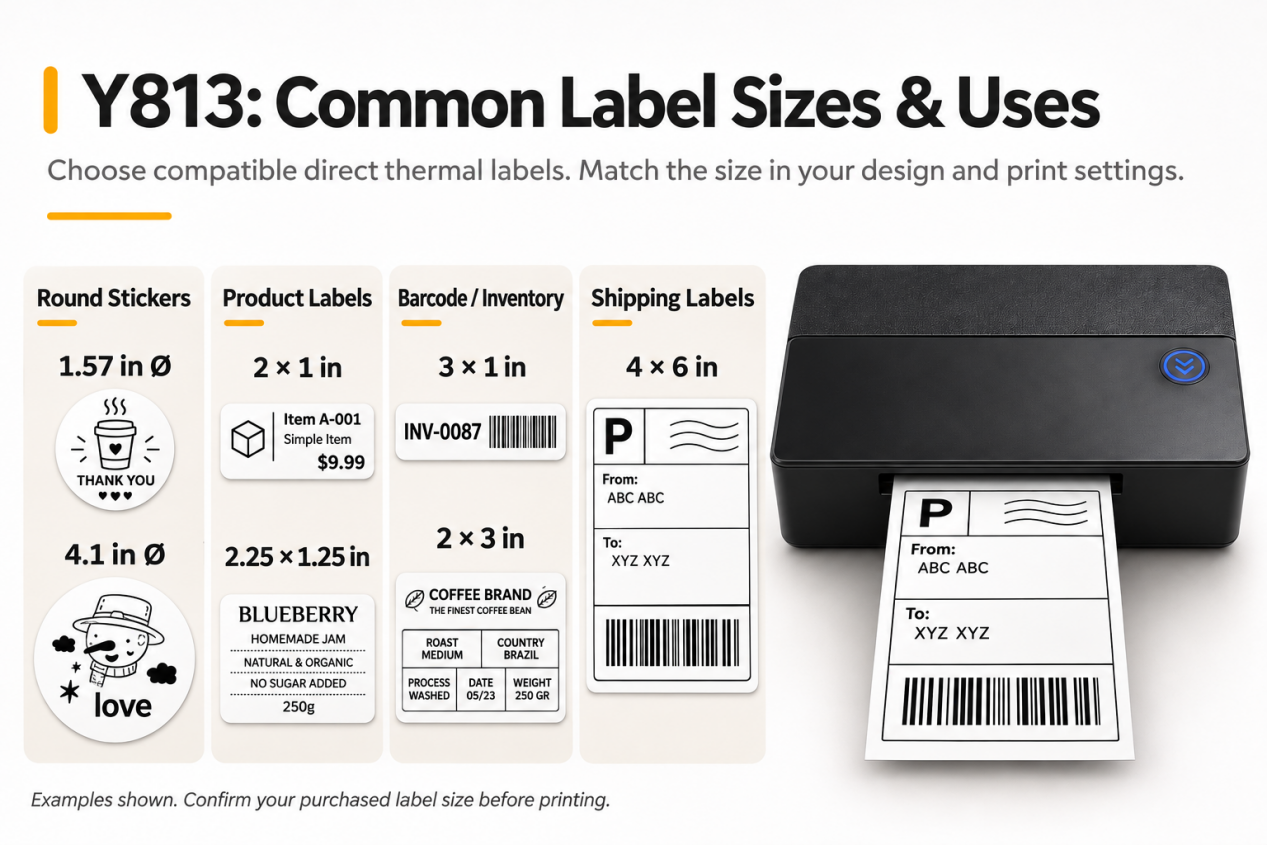
Product specifications
Model: Y813
Printing method: Direct thermal
Resolution: 203 dpi
Maximum printing speed: 101 mm/s
Printer size: 183 × 100 × 93 mm
Printer weight: 732 g
Power adapter output: 24 V DC, 1.25 A, 30 W
Connections
Connect the Y813 to a Windows PC or Mac with the supplied USB cable and install the driver for Y813. Check the model name on the label underneath the printer before downloading a driver, as Y813 and Y813BT have separate driver options.
For an iPhone or Android phone, connect to the printer through Bluetooth inside the Pixmate Printer app.
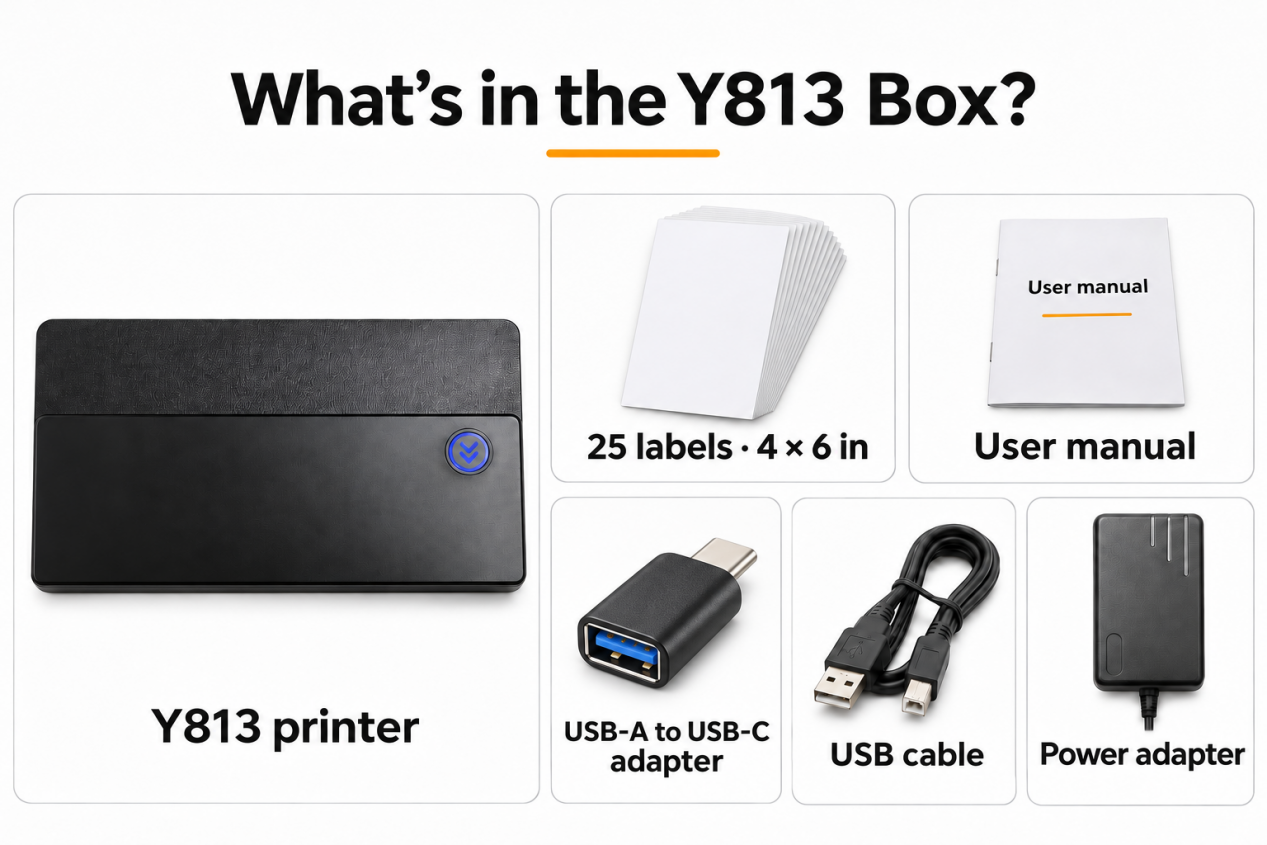
What’s in the box?
Y813 printer
25 labels (4 × 6 in)
User manual
USB-A to USB-C adapter
USB cable
Power adapter
Before your first print, use compatible direct thermal labels, load them with the printable side facing up, and select a paper size that matches the labels in your print settings.