English
 Nederlands
 Français
 English (UK)
 Deutsch


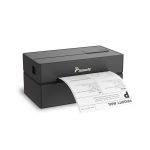
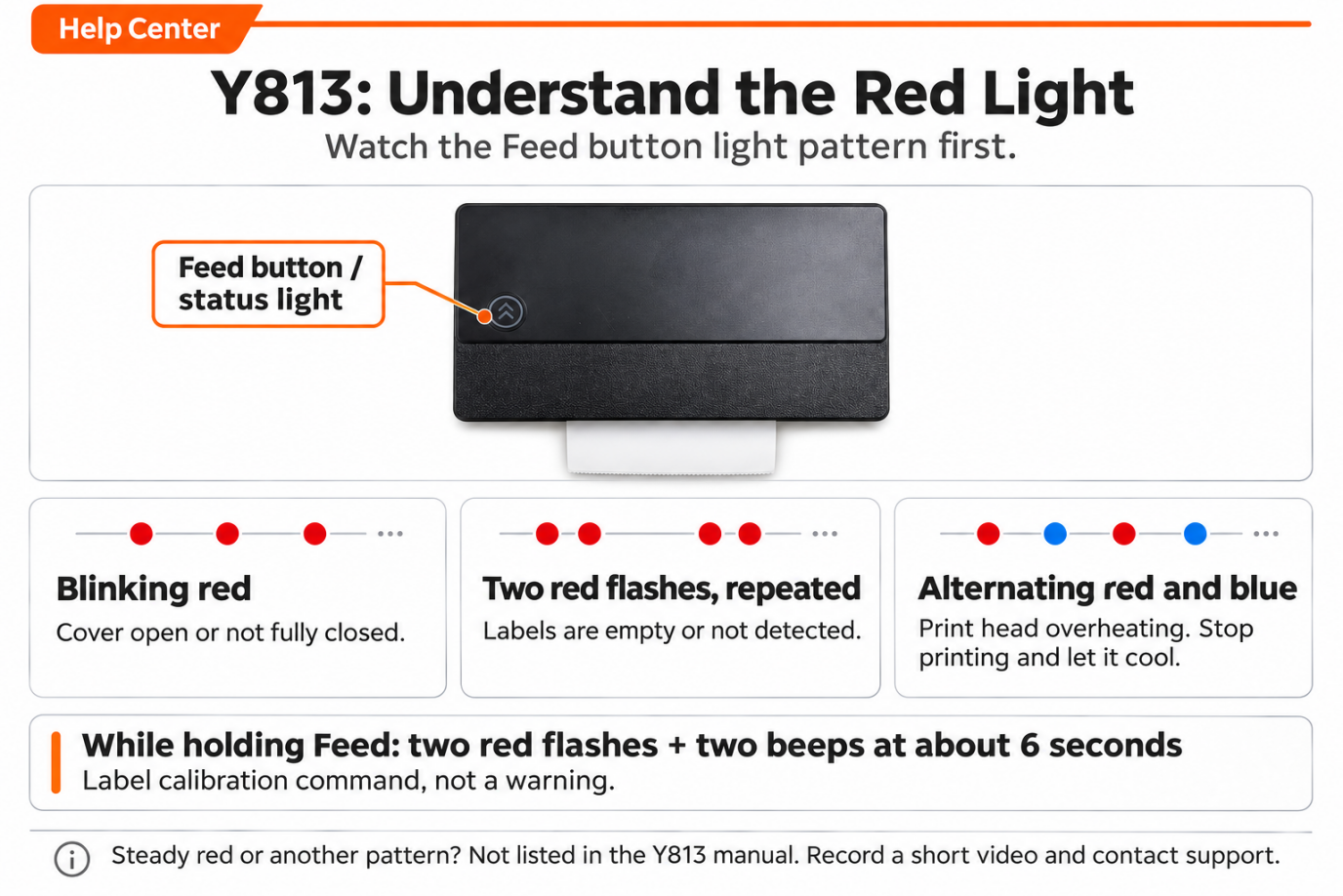
The Y813 uses different light patterns to show different conditions. Watch whether the red light keeps blinking, flashes twice repeatedly, or alternates with blue before taking action.
What Does the Red Light Mean?
Blinking red: The printer cover is open or not fully closed.
Two red flashes, repeated: The printer is out of labels or cannot detect the loaded labels.
Alternating red and blue: The print head is overheating.
Brief red flashes while you hold Feed: These are button-command signals, not necessarily an error. For example, two red flashes with two beeps after holding Feed for about 6 seconds confirm label calibration.
The Y813 manual does not identify a steady red light as one of these standard patterns. If the light stays solid red or follows another pattern, record a video and contact our support team.
How to Fix the Problem
1. If the Red Light Is Blinking: Check the Cover
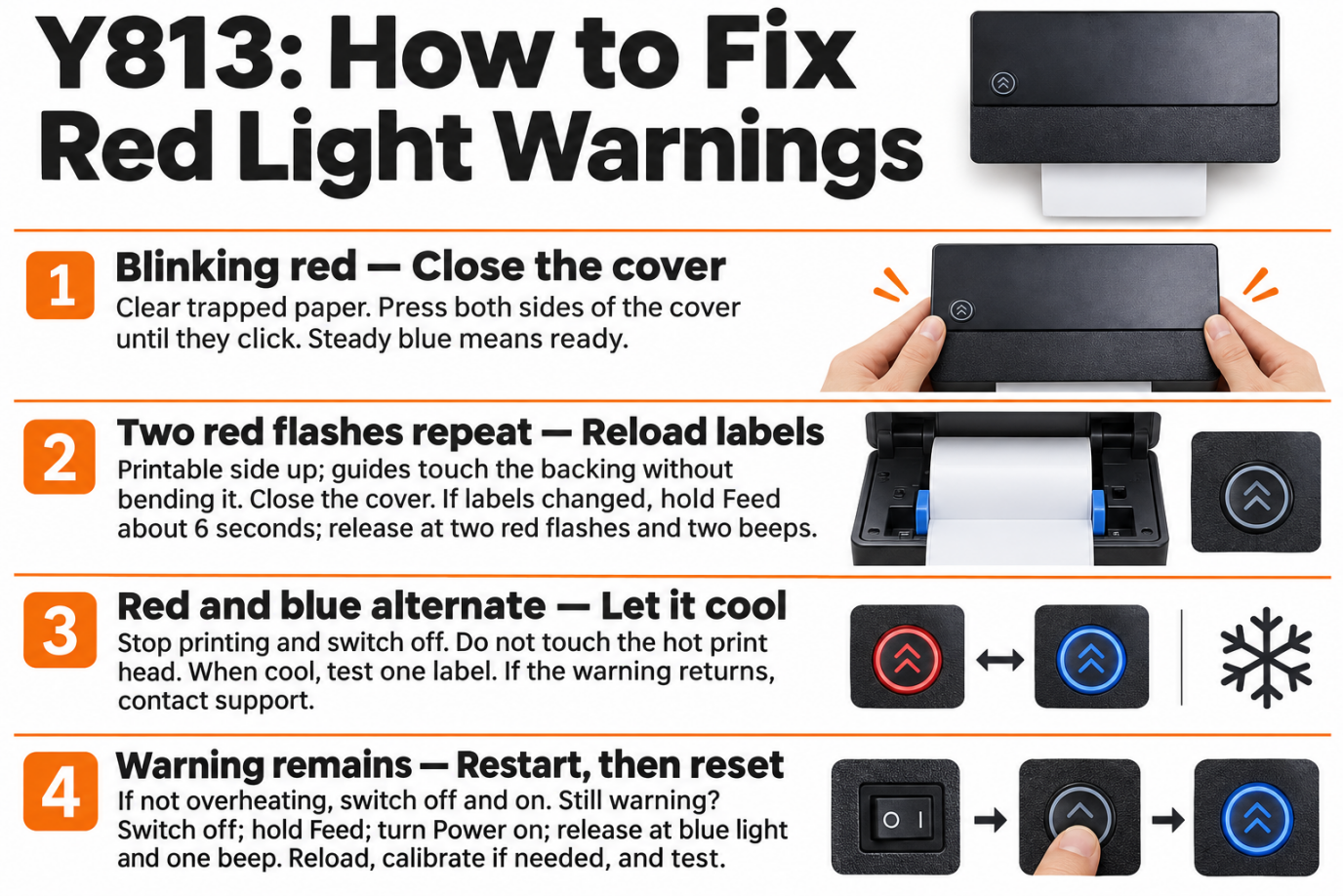
Open the cover and make sure no label or backing paper is caught along its edges.
Close it and press down on both sides until they click. If the light becomes steady blue, the Y813 is ready to print.
2. If Two Red Flashes Keep Repeating: Reload the Labels
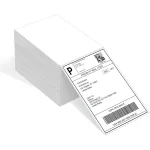
Check whether the labels have run out. Insert a fresh stack if needed.
Load the strip straight with the printable side facing up. Move the width guides until they touch the backing paper without bending it. Close both sides of the cover securely and allow the printer to feed the labels.
If you recently changed the label size, type, or brand, calibrate the printer after loading the new labels. With the Y813 on, hold Feed for about 6 seconds and release it when you see two red flashes and hear two beeps. Wait for the printer to finish feeding.
3. If Red and Blue Alternate: Let the Printer Cool
Stop printing and turn the Y813 off. Allow the printer to cool completely before checking it. Do not touch the print head immediately after printing.
Once it has cooled, turn it on and try one label. If the red-and-blue warning returns, stop using the printer and contact our support team.
4. If the Warning Remains: Restart, Then Reset
If the cover and labels are correct and the printer is not overheating, turn the Y813 off and back on. Let it finish feeding before testing again.
If the warning still remains, use the Y813 factory reset: turn the printer off, press and hold Feed, then turn on Power while continuing to hold Feed. Release Feed when the blue light turns on and you hear one beep. Reload and calibrate the labels if needed, then try one test print.
Still Seeing a Red Light?
Send our support team your order number and a short video showing the light pattern and any beeps. Include a photo of the labels loaded inside the printer and tell us whether the warning began after changing labels, running out of paper, or a long print job.