English
 Nederlands
 Français
 English (UK)
 Deutsch

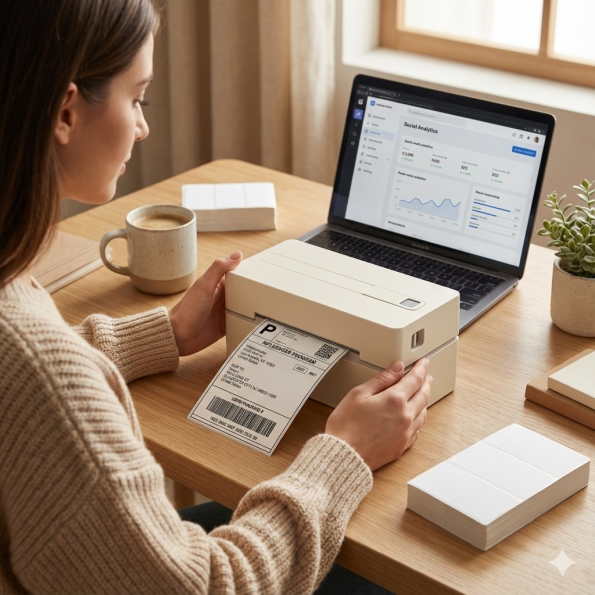
If your Y813 does not respond when you turn it on, first test the original Y813 power adapter by itself. Then connect it to the printer and compare the two indicator lights.
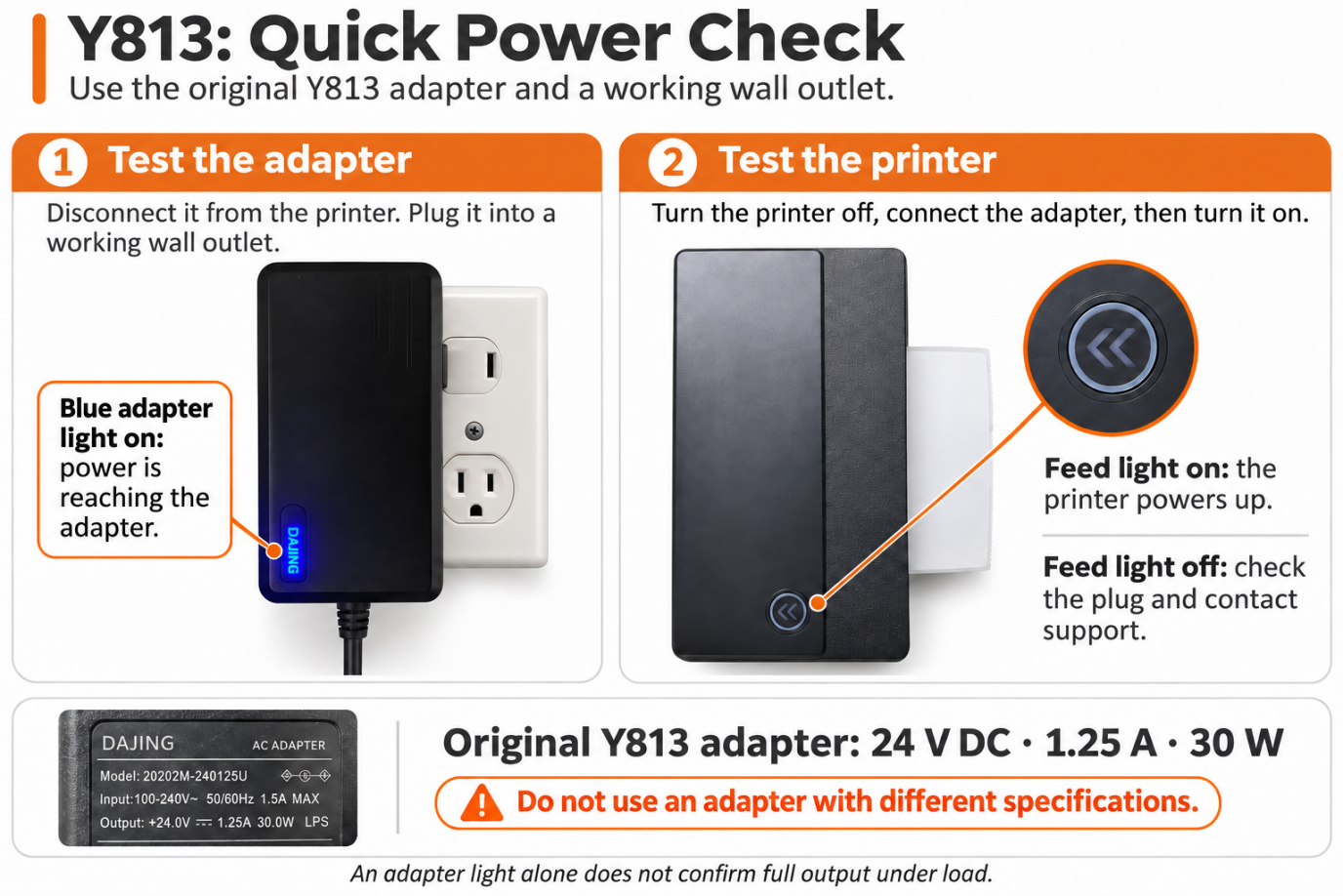
1. Test the Adapter First
Turn the Y813 off and disconnect the adapter’s cable from the printer. Plug the original Y813 adapter directly into a wall outlet and check its blue indicator light.
The blue adapter light turns on: Power is reaching the adapter. Continue with the printer test below. The light alone does not confirm that the adapter will supply power correctly when connected to the printer.
The blue adapter light stays off: Test the outlet by plugging in another device, or try a different working outlet. If the adapter light still stays off, contact our support team with a photo of its specification label and a short video of the test.
2. Connect and Test the Printer
Keep the Y813 turned off while connecting the adapter’s plug firmly to the printer. Then turn the printer on and check the light around the Feed button.
The Feed button lights up: The printer has powered on. A steady blue light means it is ready. If it powers on but does not print, check the connection, app, driver, or print job.
The adapter light stays on, but the Feed button stays off: Check that the plug is fully inserted into the printer and the power switch is on. If there is still no response, contact our support team for further diagnosis.
The adapter light goes out when connected to the printer: Turn the printer off, unplug the adapter, and contact our support team. This result does not, by itself, identify which part has failed.
3. Confirm the Original Adapter Specification
Check the Output information on the adapter’s label. The original adapter supplied with the Y813 is rated 24 V DC / 1.25 A / 30 W.
If you have changed the adapter, repeat the tests with the original Y813 adapter. Do not use an adapter with different specifications, even if its plug fits.
The USB cable connects the Y813 to a computer, but it does not replace the printer’s power adapter.
4. Check for Damage
With the power disconnected, inspect the adapter, cable, and plugs. If you notice exposed wiring, melting, discoloration, a burning smell, or unusual heat, do not reconnect the adapter. Contact our support team.
5. Still Won’t Turn On?
Please send us your order number, a photo of the model label underneath the printer, and a clear photo of the adapter specification label.
Include a short video showing the adapter light when it is plugged into the wall without the printer connected. Then show what happens to the adapter light and Feed button light after connecting the printer and turning it on. Please tell us whether you changed the adapter or tried another working outlet.
Note: A factory reset requires the printer to respond during startup. If there is no light or response, complete these power checks first.