English
 Nederlands
 Français
 English (UK)
 Deutsch
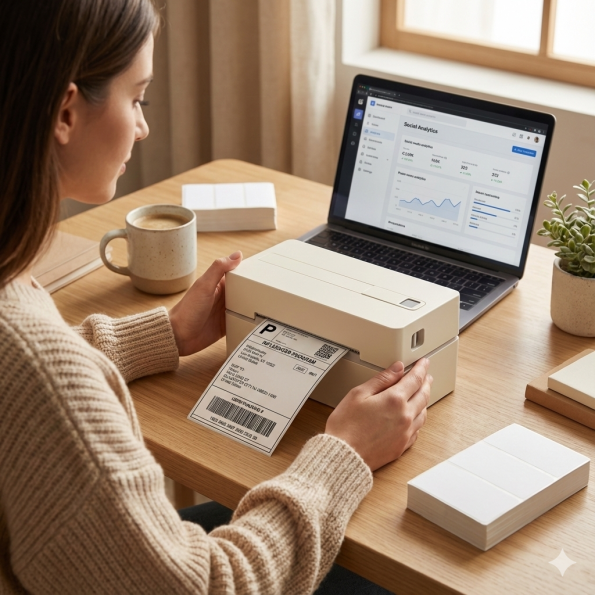
Y813 Install Driver on Windows via Bluetooth
Before Driver Installation
Supported model: Y813
Check the model name on the bottom label.
Please complete the following steps before installation.


Connect the power adapter
Plug the power cord into the wall outlet, then connect the other end to the round port on the printer.

Turn ON the printer
Press the power button to turn ON the printer.

Turn ON Bluetooth on your Windows computer
Open Bluetooth settings and turn on Bluetooth.
Download the Driver
Download the printer driver using the button below.
If the Download Driver button does not work, please use our Backup Google Drive link.
Install the Driver
Install Driver on Windows
Follow the steps below to install the Windows driver.
Choose the installation language
Download the Windows driver, open the installer, choose your preferred language, and click “OK”.

Accept the agreement
Select “I agree to this agreement” and click “Next”.

Choose the connection type
Select how your printer is connected: Select “Bluetooth”, then click “Next”.

Finish the installation
Wait for the installation to complete, then click “Finish”. After that, you can open your file and choose PM-241-BT (Bluetooth) to print directly.